


Discover, Buy, Collect & Sell EpicSea ART
.png)



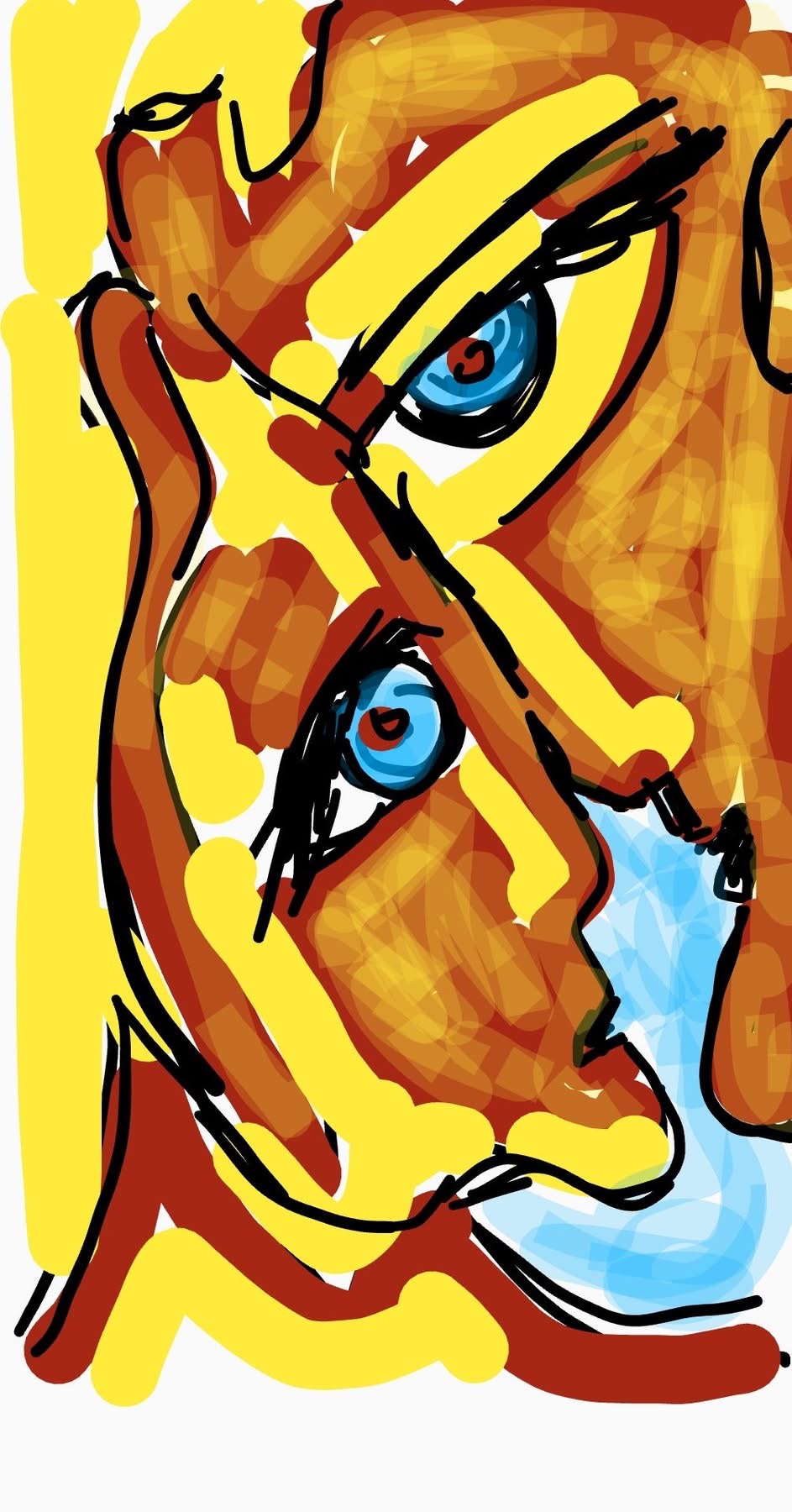
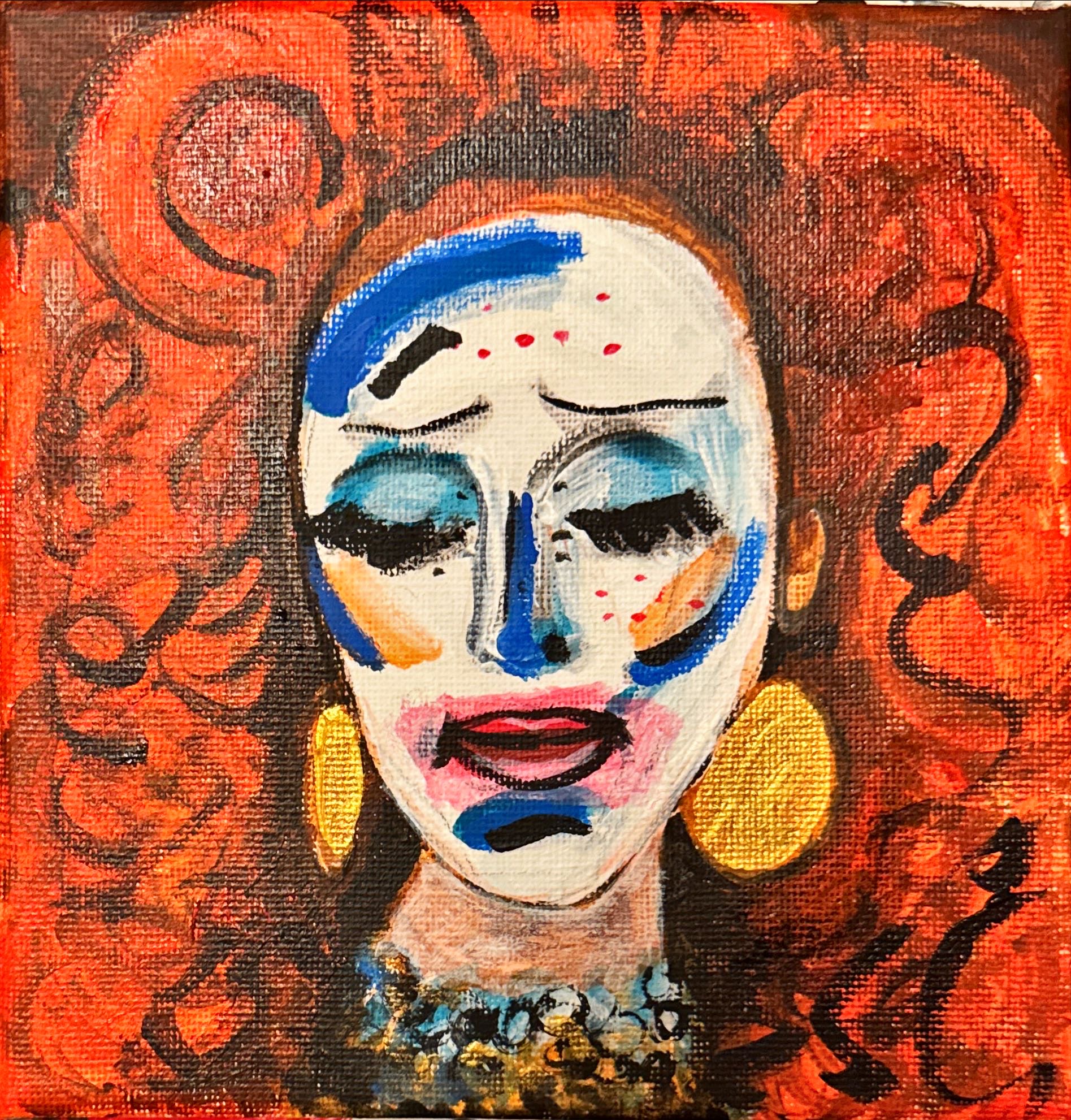
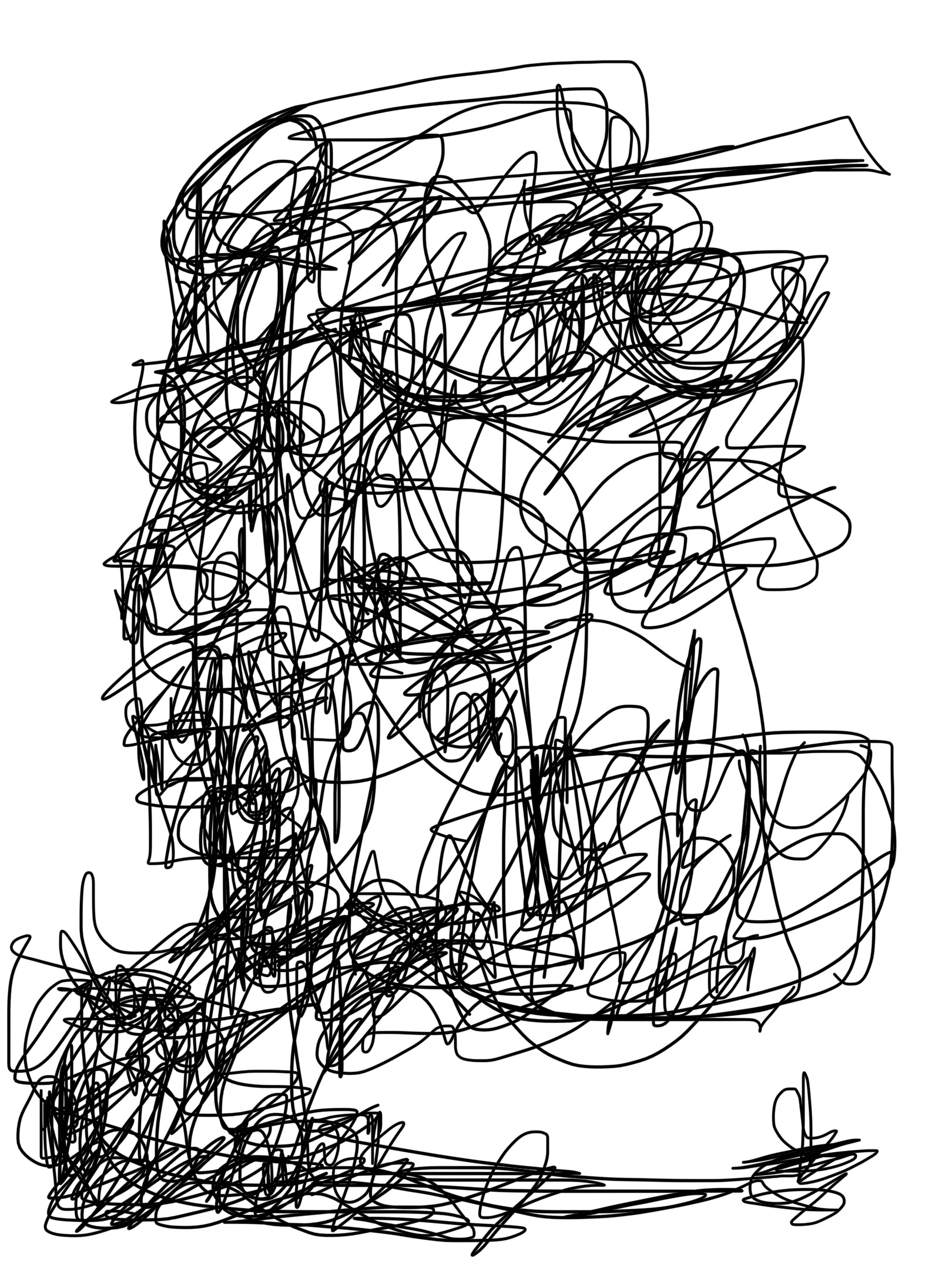



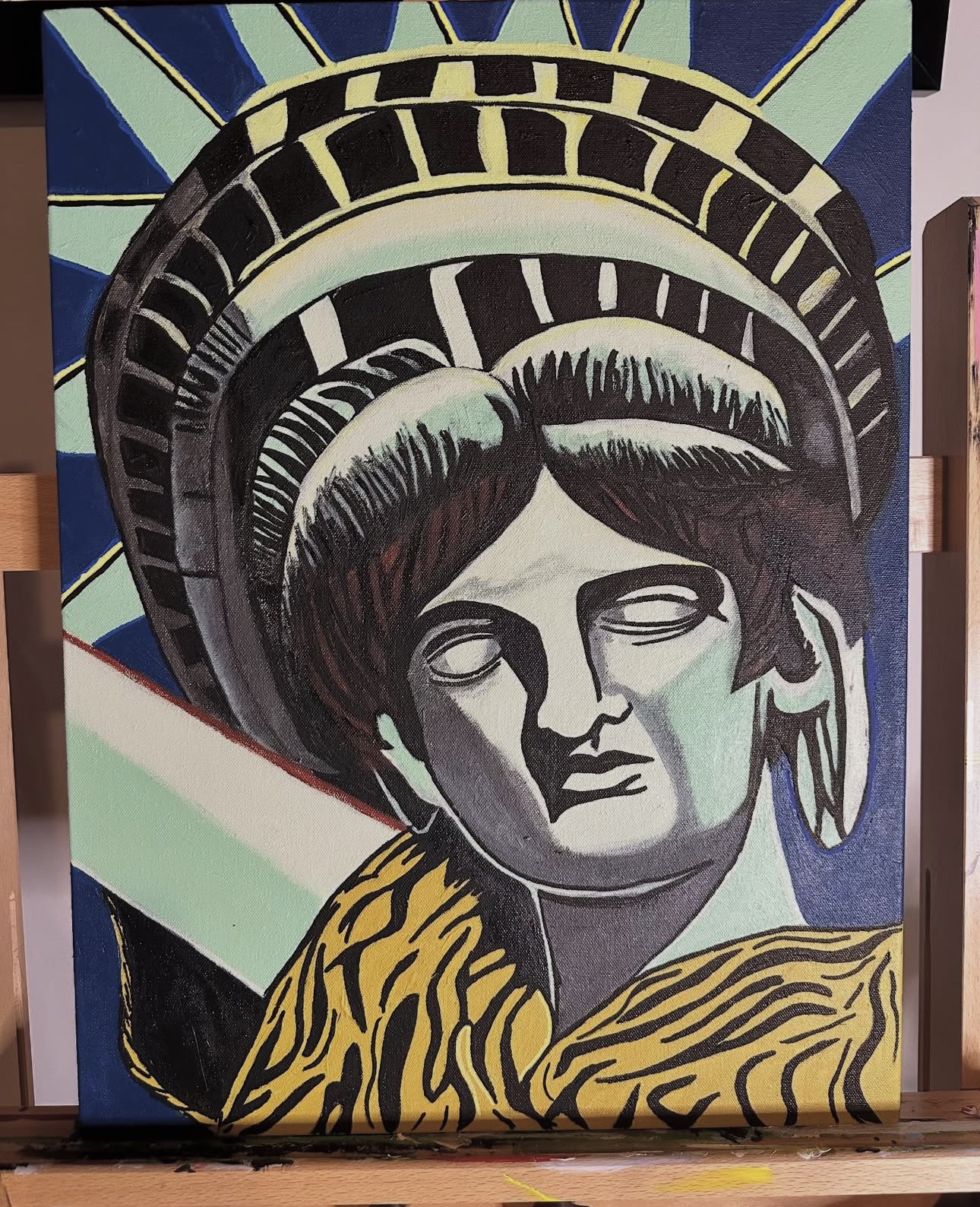


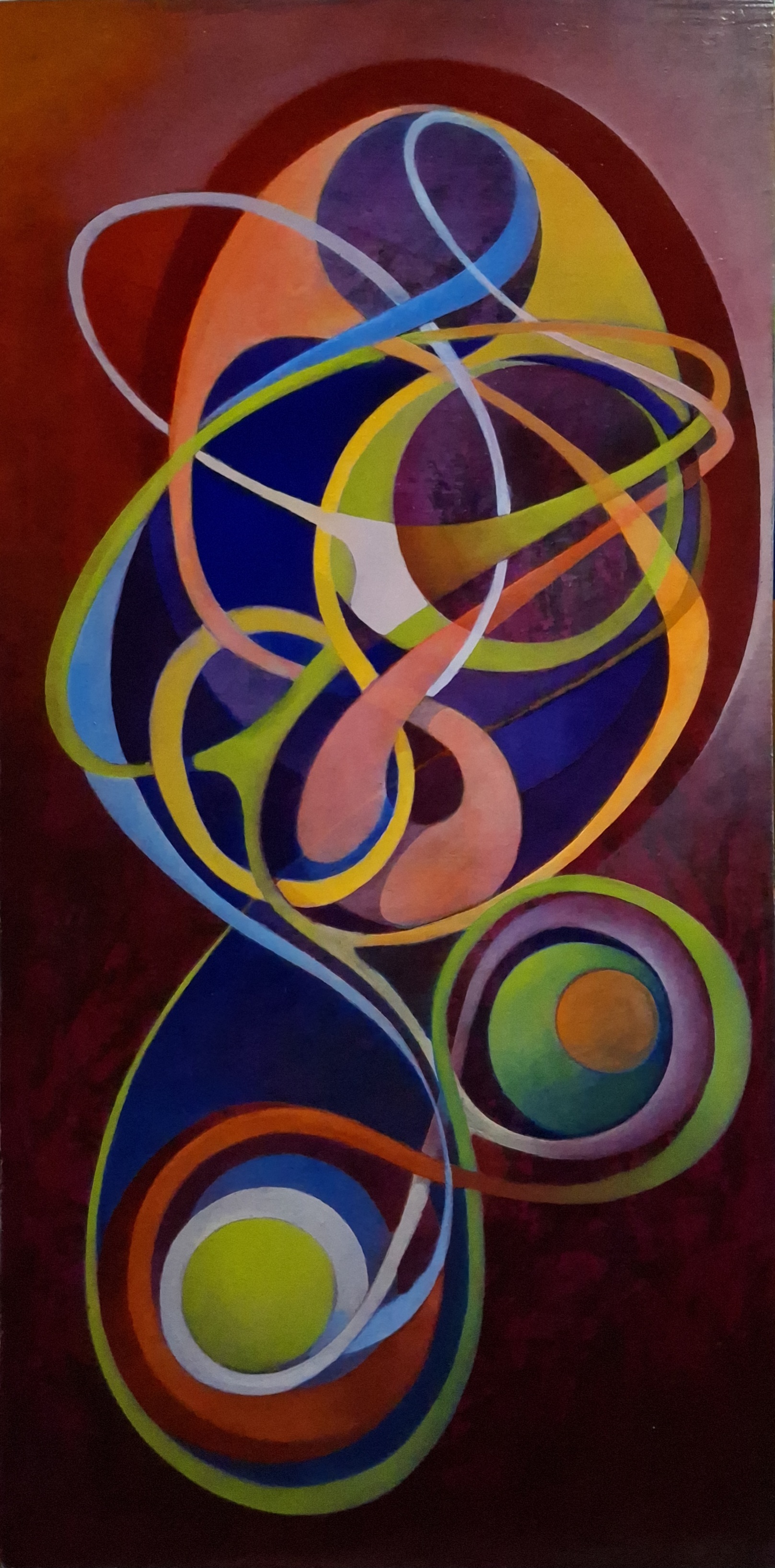

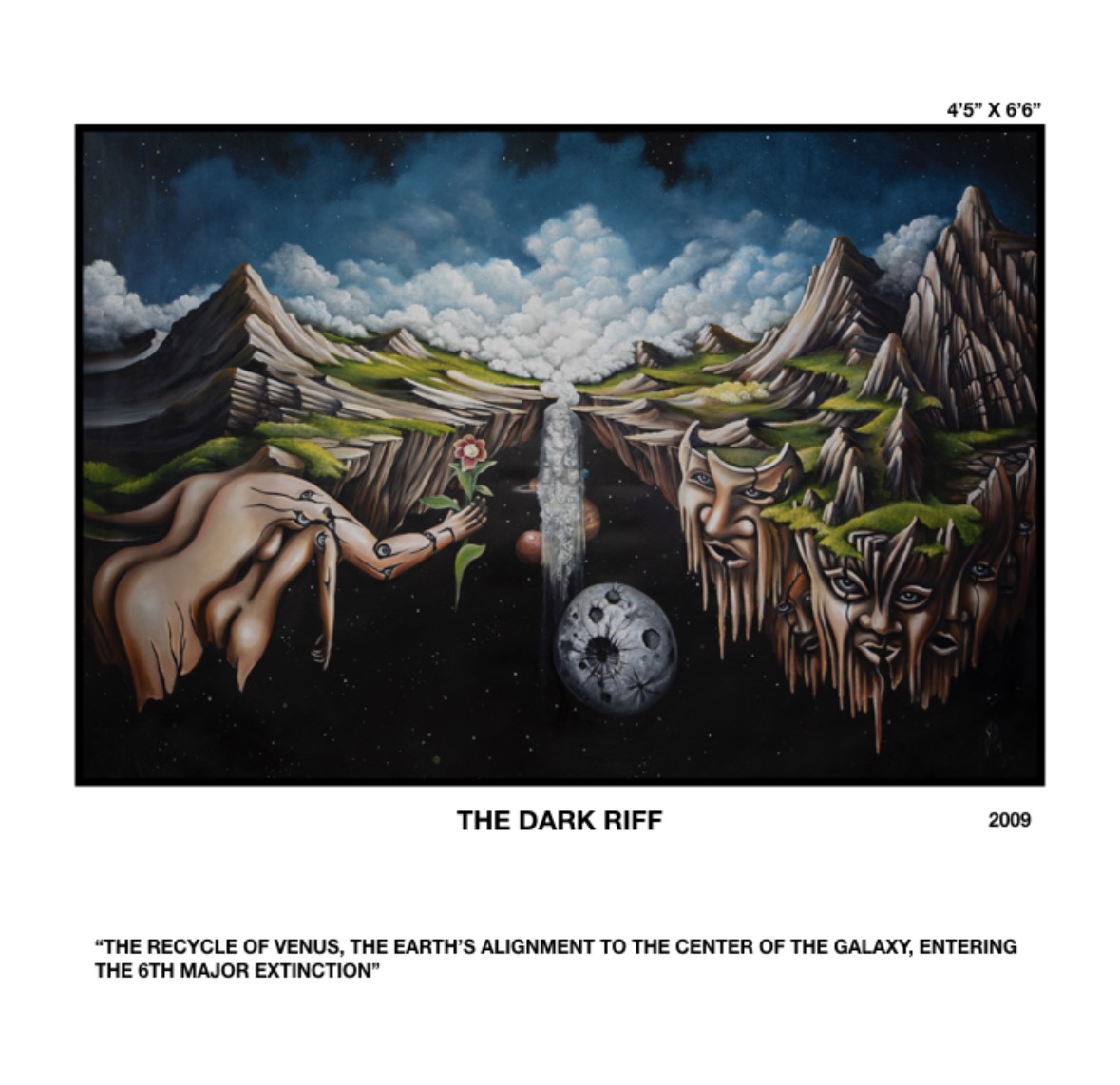
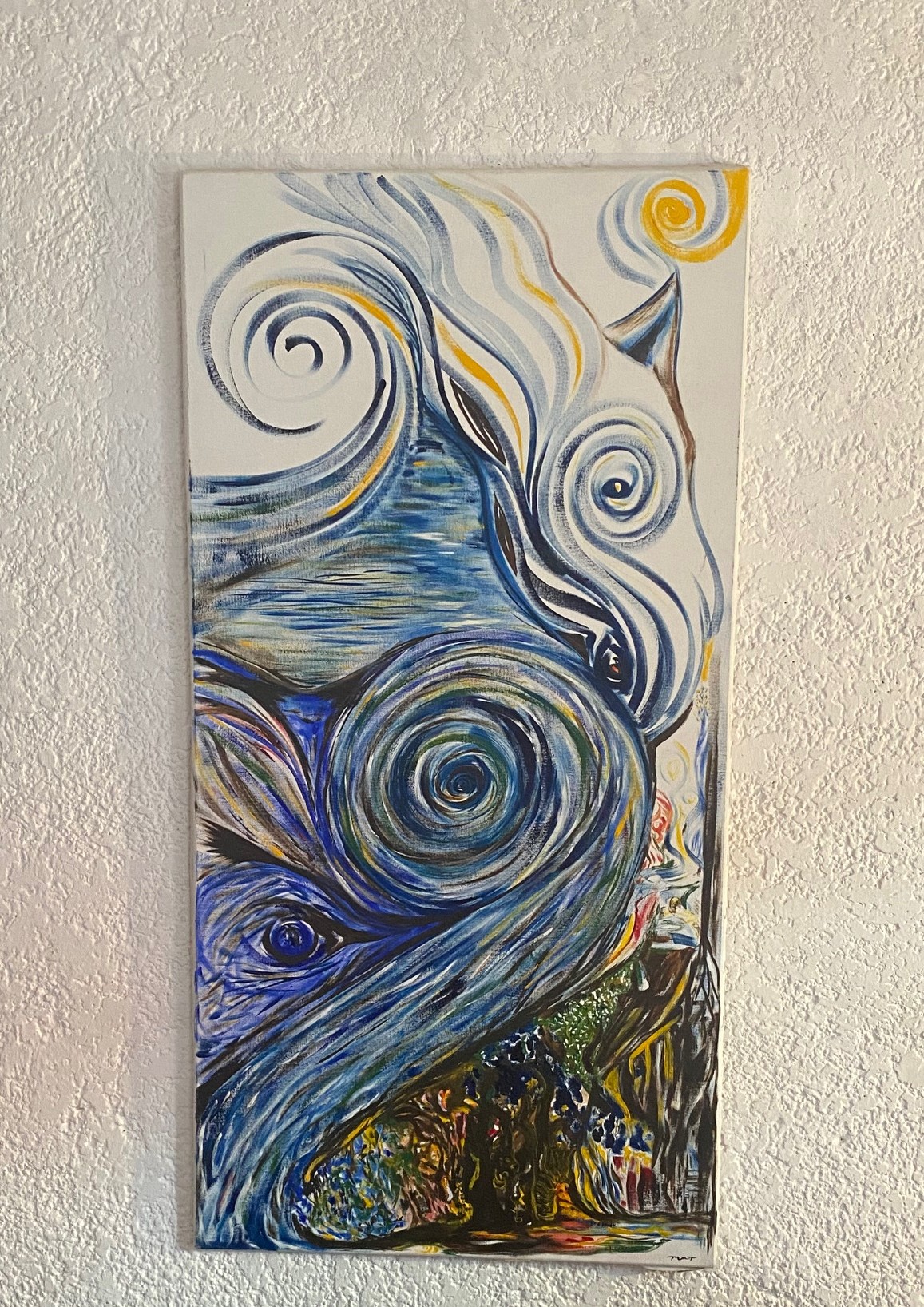

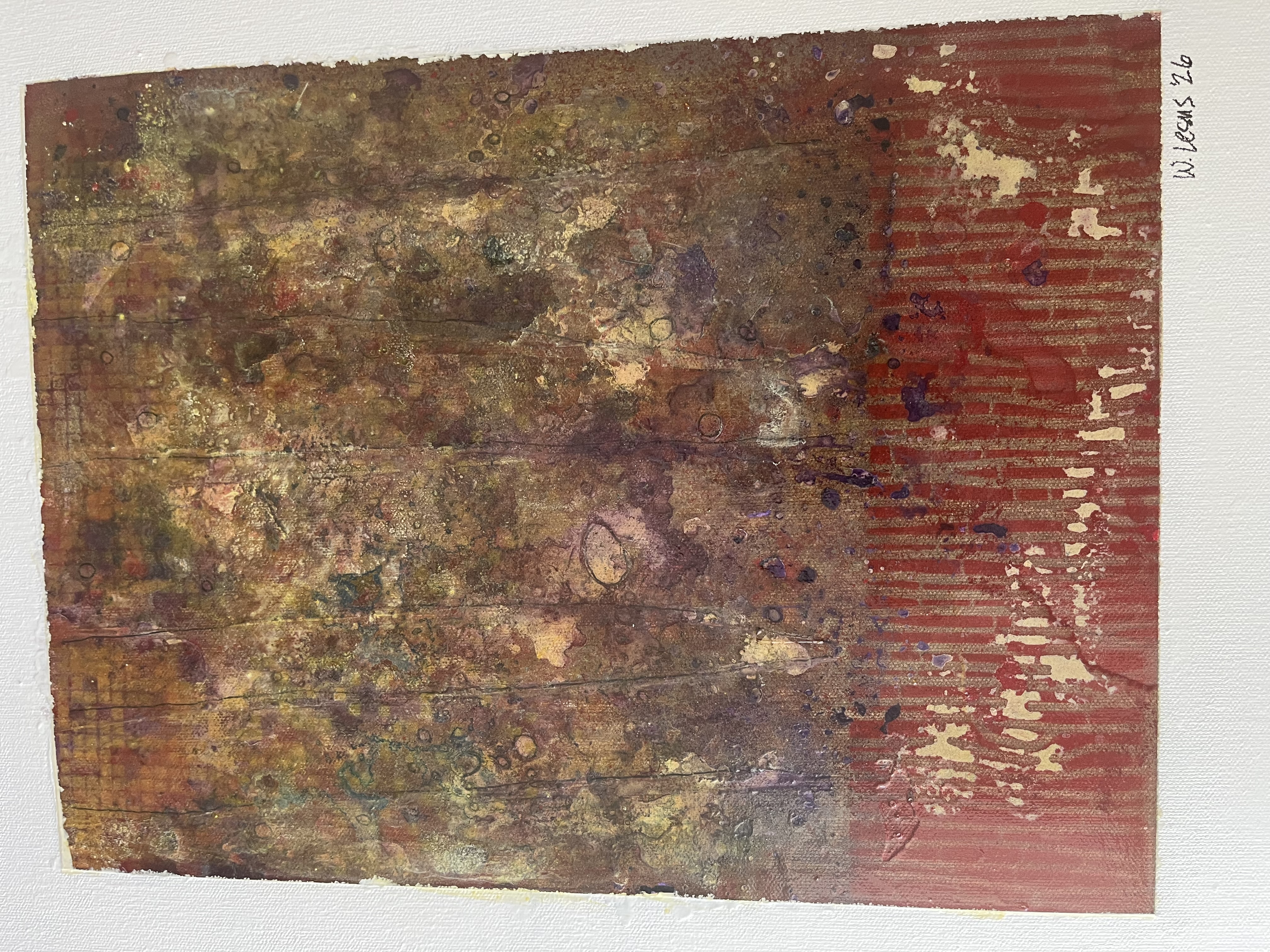
Browse by category





Recent Arts









Create and sell your Arts
1. Set up your wallet
Once you've set up your wallet of choice, connect it to AURELIUMARTS clicking the Art Marketplace at the top right corner.
2. Create Your Collection
Click Create and set up your collection. Add social links, a description, profile & banner images, and set a secondary sales fee.
3. Add Your Arts Collection
Upload your work (image, video, audio, or 3D art), add a title and description, and customize your Arts with properties, stats.
4. List Them For Sale
Choose between auctions, fixed-price listings, and declining-price listings. You choose how you want to sell your Art!
Join our mailing list to stay in the loop with our newest feature releases, Art drops, and tips and tricks for navigating Xhibiter